
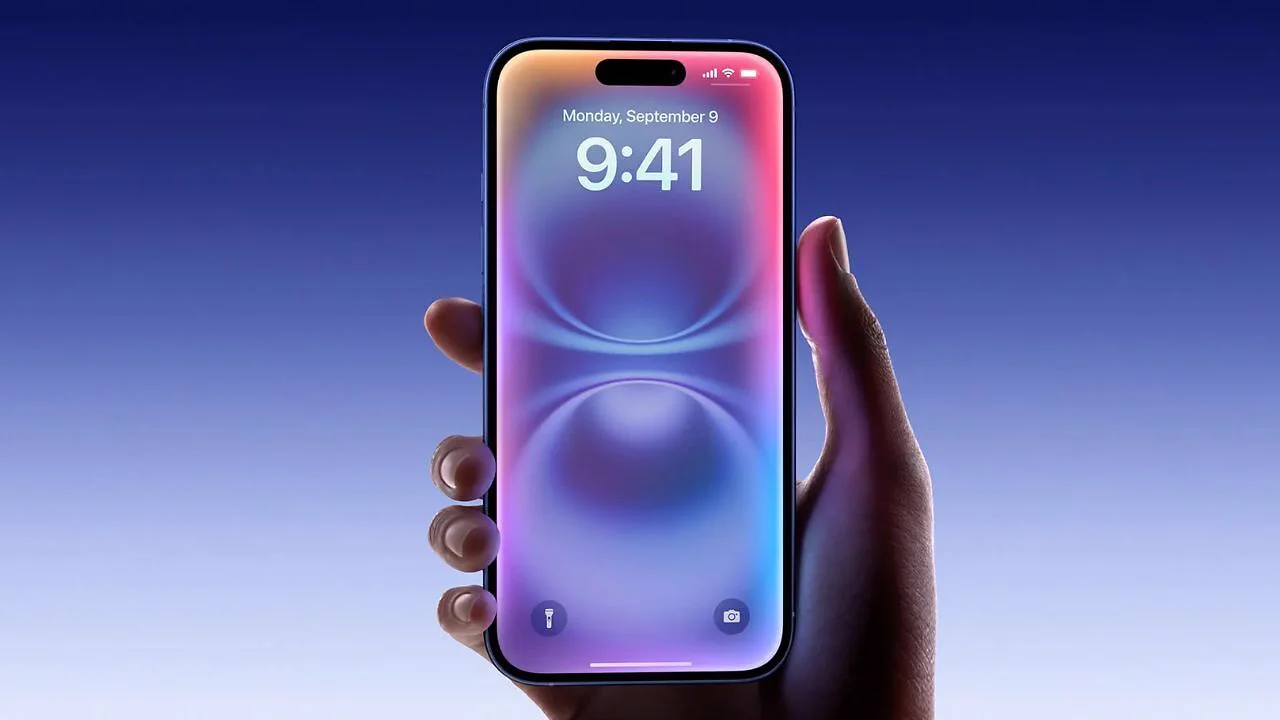
The iPhone software update known as iOS 27.2 is now available for compatible iPhones, and it is a bigger release than a routine point update. Its headline changes focus on the voice assistant, the foldable iPhone Duo, and security, with smaller improvements spread across several built-in apps. Users can install it over the air from the phone itself, without connecting to a computer.
The update began rolling out on 26 October and is now reaching eligible models in stages, so some users may see it a little later than others. It is available for the iPhone 11 and later models, according to the compatibility information published with the release. As with any major update, it is worth installing over Wi-Fi with enough battery charge, and backing up important data first is a sensible precaution.
Siri AI Gets Conversation Memory and More Languages
The most significant change is to Siri AI, which can now recall earlier conversations instead of treating every request as a fresh start. A user can ask about something Siri recommended before, such as a restaurant from last week, and get a follow-up answer without repeating the original question. Siri can also draw on more personal context, including photos attached in Messages, calendar event attendees, voicemails, and Safari history and Reading List items, to give more relevant replies.
Siri AI also gains support for five more languages in this update: French, Japanese, Korean, Portuguese and Spanish. The expanded language support is not available in the European Union or mainland China at this stage. Further languages, including Chinese (traditional), Norwegian, Turkish and Vietnamese, are planned by the end of the year, according to the release information.
A new Excluded Apps setting lets users choose which apps Siri, Search and suggestions can access, giving people more control over how much of their data feeds the assistant. Users can also select and copy only part of a Siri response, rather than the whole answer, which is useful when saving an address, a time or a short instruction. The enhanced Siri AI features need a newer model, such as an iPhone 15 Pro or iPhone 15 Pro Max or a later iPhone.
Apple Pencil Support Arrives on iPhone Duo
For owners of the foldable iPhone Duo, the update adds support for the Apple Pencil (USB-C), a feature promised when the phone was announced. The stylus can be used for sketching, note taking and marking up documents on either of the phone's screens, with palm rejection so the hand resting on the display does not interfere with drawing. Only the USB-C model of the pencil is supported, and the Apple Pencil Pro and older pencil models do not work with this phone.
This is a practical addition rather than a cosmetic one, because a foldable phone's larger inner display is well suited to handwriting and annotation. Students can annotate documents, designers can sketch ideas, and office users can sign or mark up files without switching to a tablet. The feature completes one of the Duo's missing pieces, and it arrives alongside other foldable-focused refinements in the same update.
Changes Across Messages, Photos, Music and FaceTime
Messages gains Suggested Actions, which can turn a conversation about plans into a calendar invite or a reminder with a tap, and users can choose which kinds of suggestions appear in settings. Photos gains improved Shared Albums, with options to edit captions and comments, avoid adding duplicate photos, and see a reminder before an album expires so participants can save important photos and videos. Photos and Image Playground also gain support for SynthID watermarks, which help identify whether an image was generated or modified with generative tools.
Apple Music gets a redesigned look with a new black-and-white app icon, black widget backgrounds, and blue as the accent colour for the selected tab. The Apple TV app gains household profiles so different viewers can keep their histories and recommendations separate, and its Multiview mode can now play up to four live sports streams at once. Podcasts splits its Up Next section into New Episodes and Continue Playing, making it easier to find a new show or resume one already started.
FaceTime's Dual Capture feature, which streams the front and rear cameras at the same time, now works in Group FaceTime calls, and a third-party sign language interpreter or live captioner can be added to a call. Sending a Dual Capture stream needs a newer model, such as an iPhone 17 series phone, iPhone Air, iPhone 18 Pro or iPhone Duo. The Home app also gains new controls for smart home devices, rounding out a broad set of app-level changes.
How to Update and Who Should Install First
The update also includes fixes for more than 160 security vulnerabilities, which alone makes it worth installing promptly even for users who do not care about the new features. Security fixes of this scale typically cover the browser, the messaging system, media handling and other core parts of the phone, so delaying the update leaves known weaknesses open. Users who rely on their phone for banking, work email or two-factor authentication should treat this as a priority update.
To install it, open Settings, then General, then Software Update, and follow the on-screen steps when the update appears. If it has not arrived yet, checking again later in the day is normal, since staged rollouts do not reach every device at the same moment. Users on older models will still get the core update and security fixes, but some Siri AI and camera features remain limited to newer hardware, so expectations should be set by the model in hand rather than by the headline features alone.